Blog Statistics#
Get a Matomo Analytics Login#
- Contact Shared Systems and ask to be given "viewer" access to the NPL website analytics in Matomo.
Pull Pageviews for a Blog Post#
Find out how many views your blog post is getting during a given time period.
-
Log in to Matomo Analytics.
-
Make sure you're looking at the right source: NPL Website.
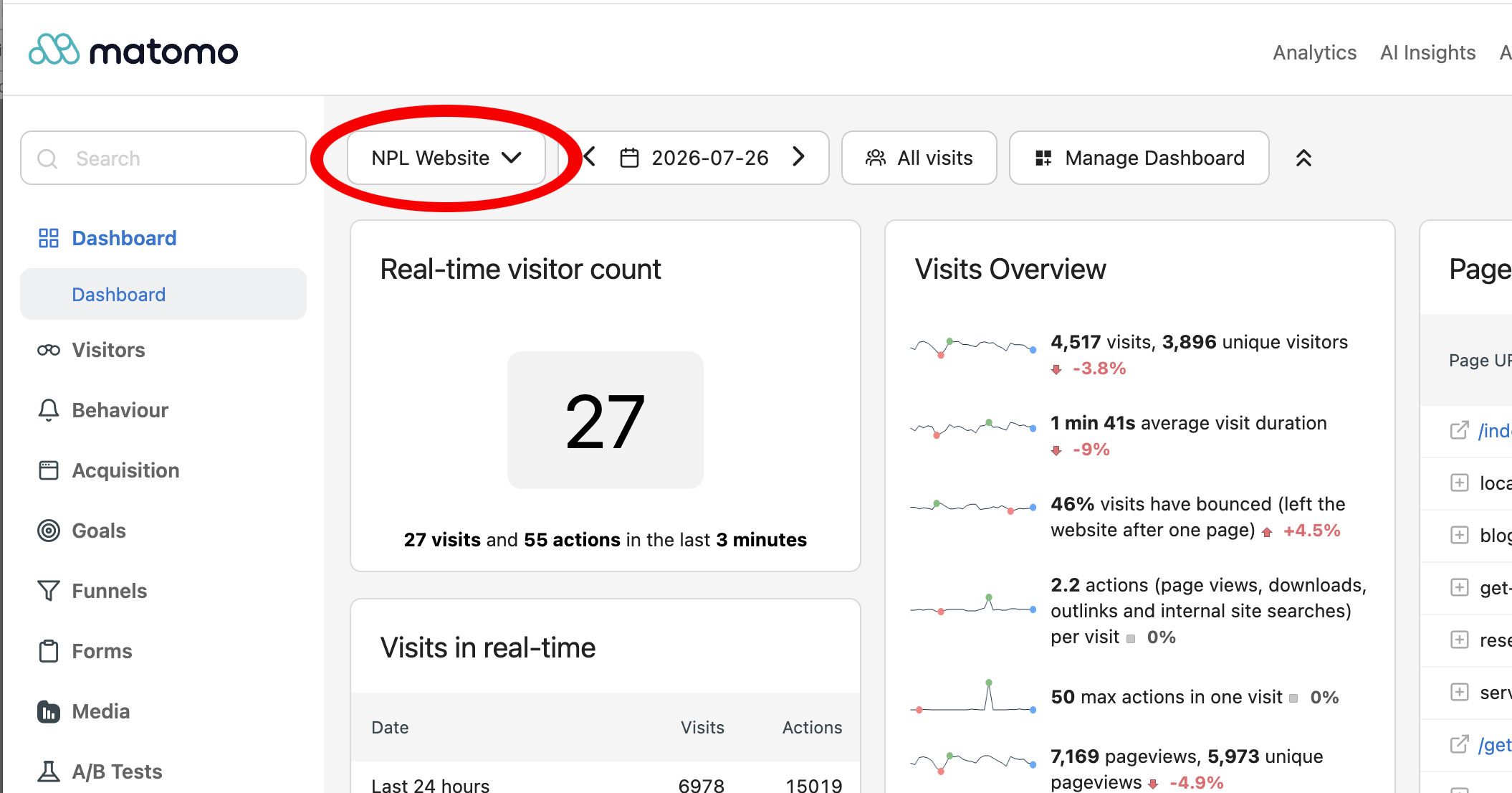
-
Adjust the time period you want to see. Click the date menu and select the time period you want.
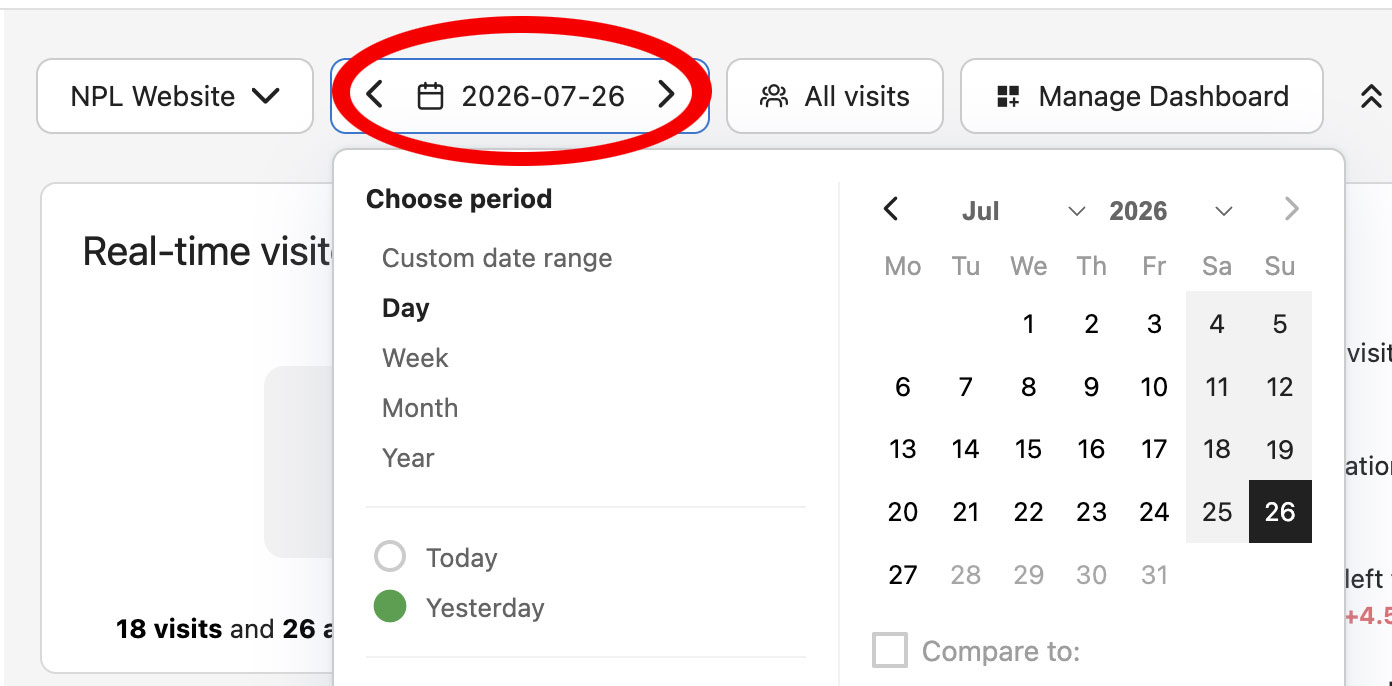
-
On the right side of the screen, look for the Pages report and click the square to maximize the report.
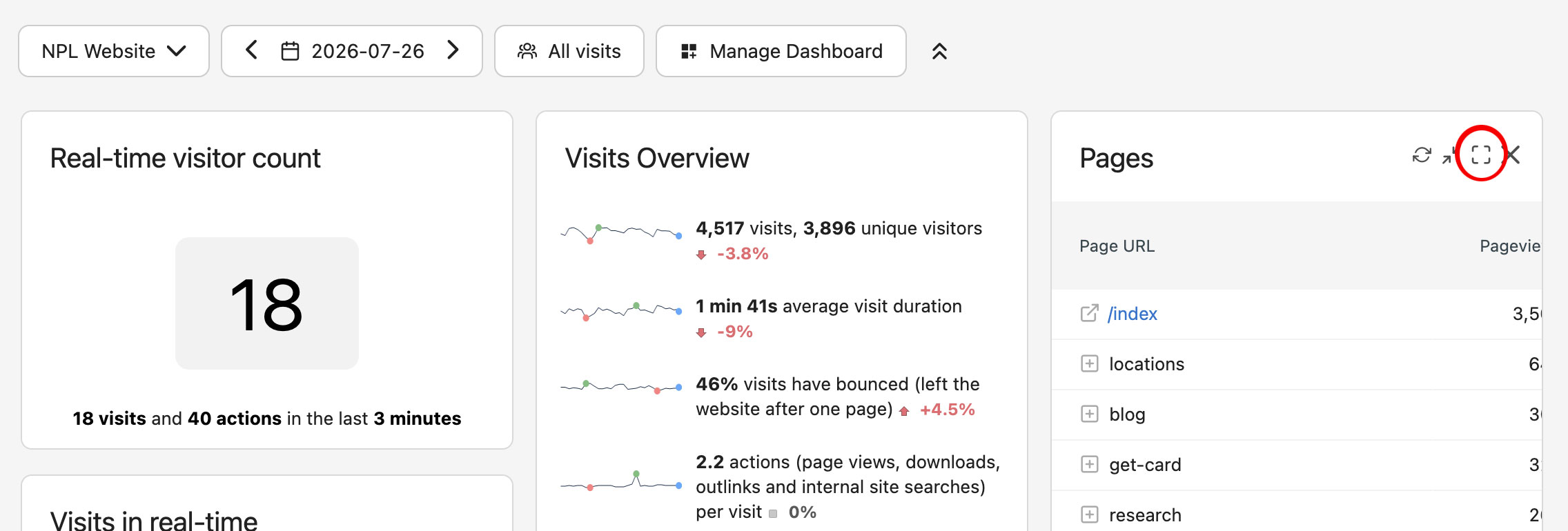
-
Scroll all the way to the bottom of the Pages report and find the search box.
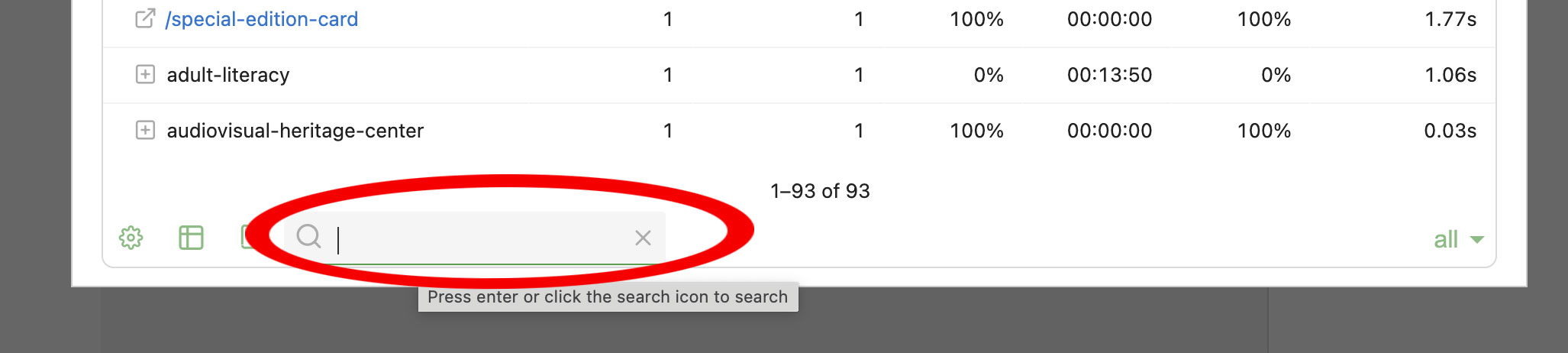
-
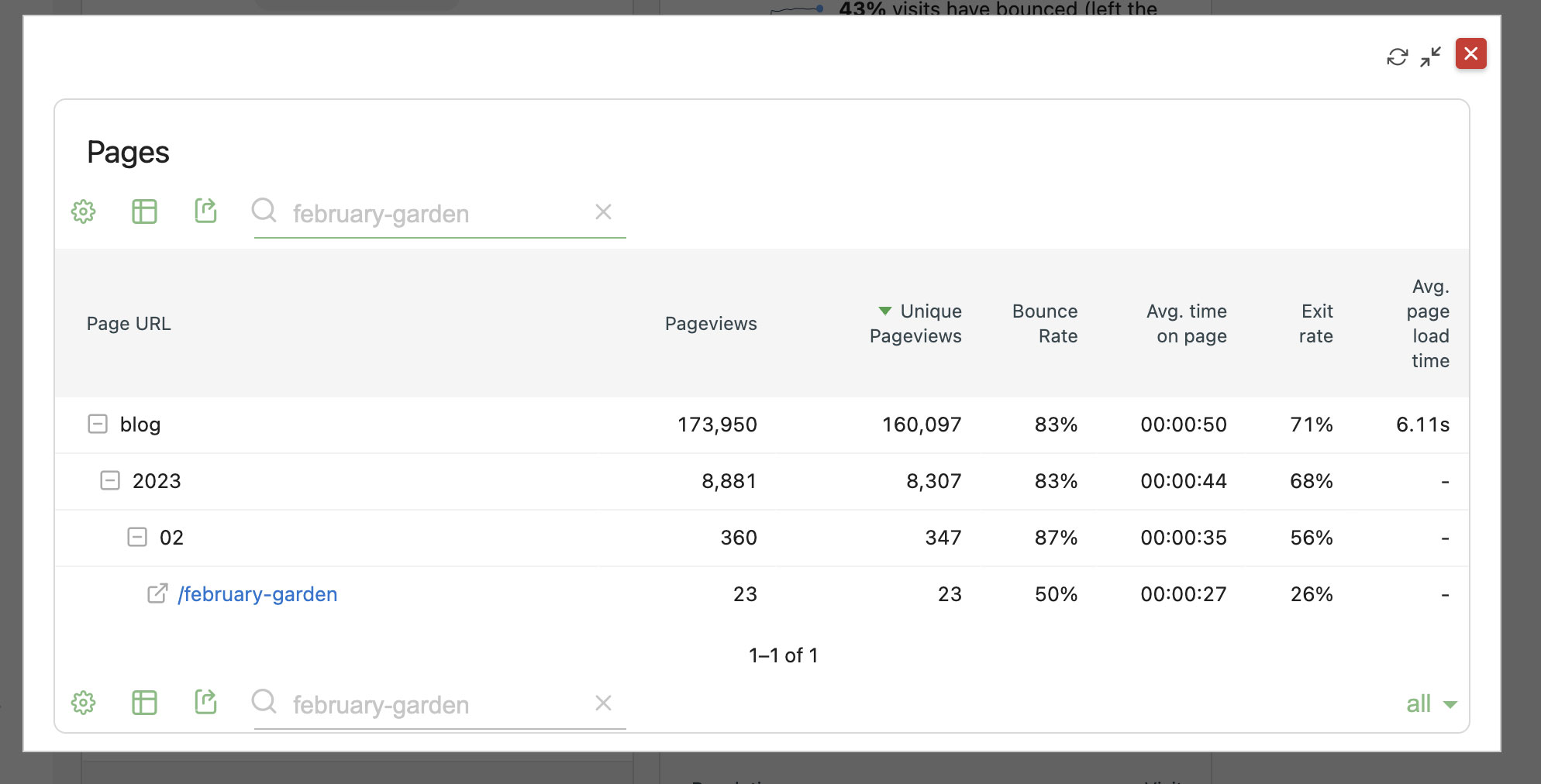
Type a few words from the URL of your blog post (you must include hyphens). In the example below, we're looking at stats for a post called "February in the Garden" with the URL https://library.nashville.gov/blog/2023/02/february-garden. We put "february-garden" (from the URL) in the search box to find stats.
-
Repeat for each blog post.
Find the Most Popular Posts for a Time Period#
Find the most popular posts for the last month, last three months, February 2020, etc. Set your time period and find out which blog posts were most popular.
-
Log in to Matomo Analytics.
-
Make sure you're looking at the right source: NPL Website.
-
Adjust the time period you want to see. Click the date menu and select the time period you want.
-
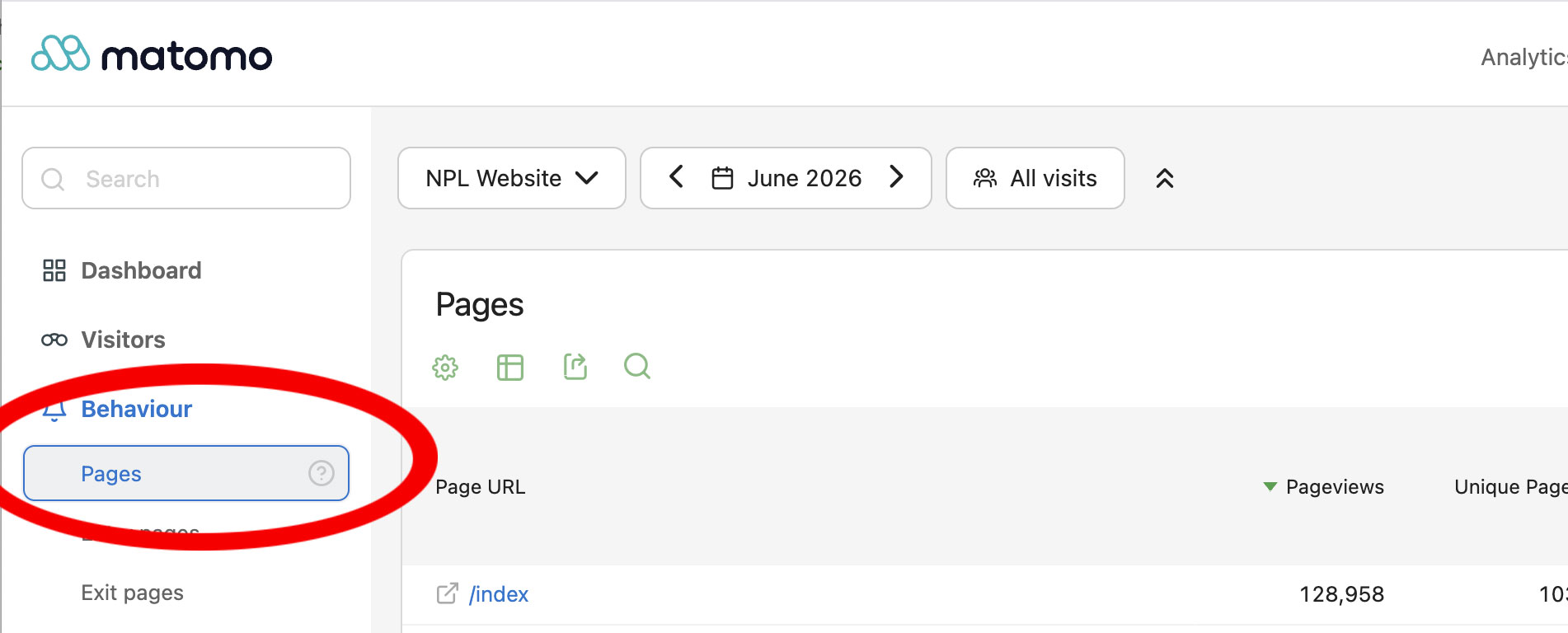
On the left side of the screen, click Behaviour > Pages.
-
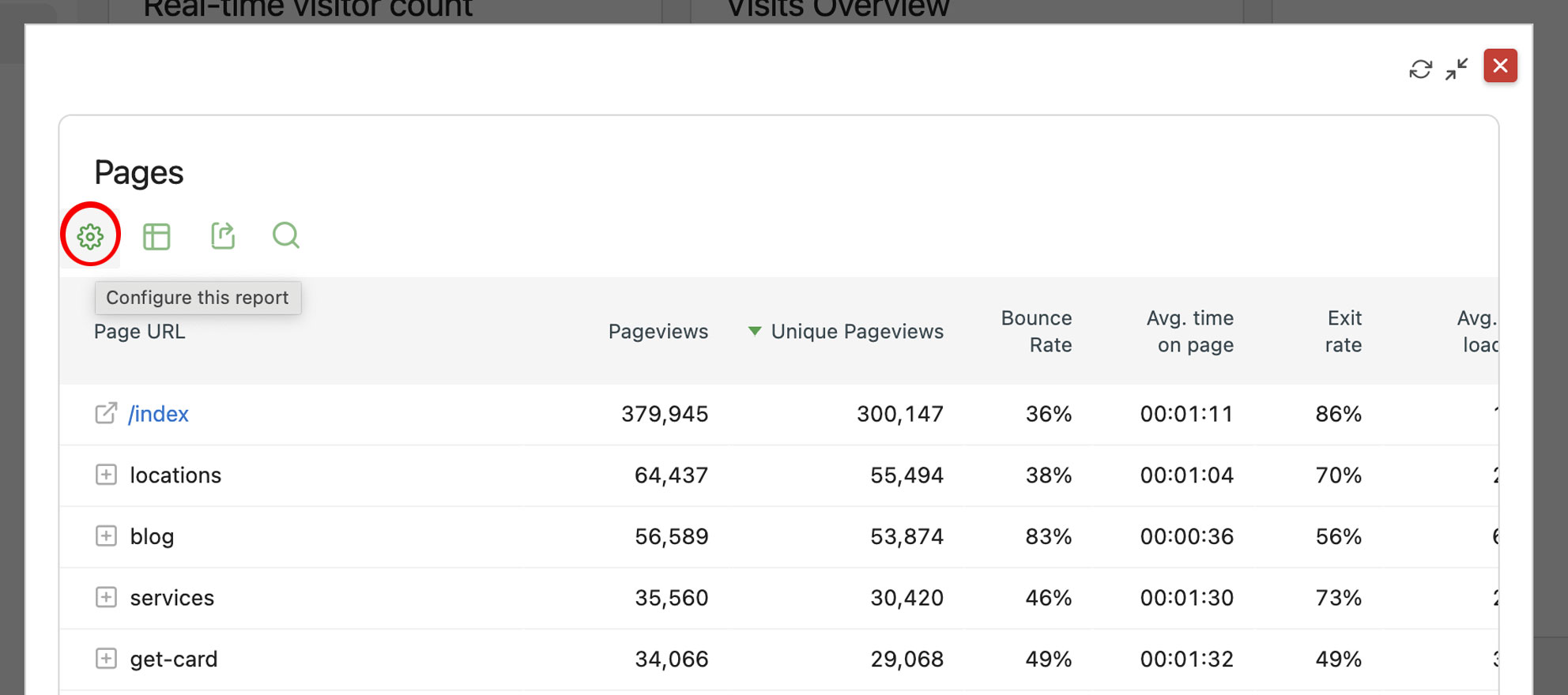
Click the cog icon...
-
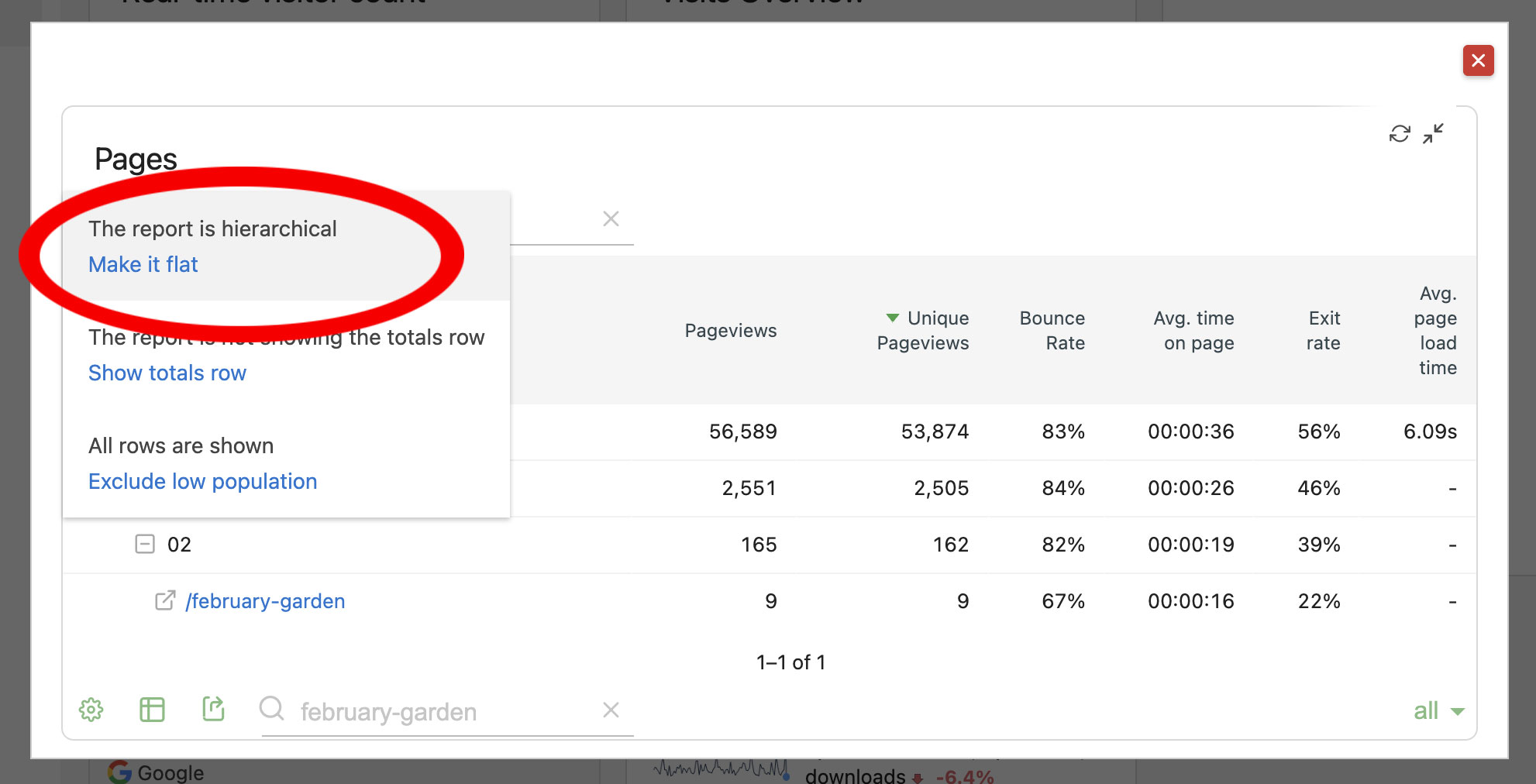
...then choose "make it flat."
-
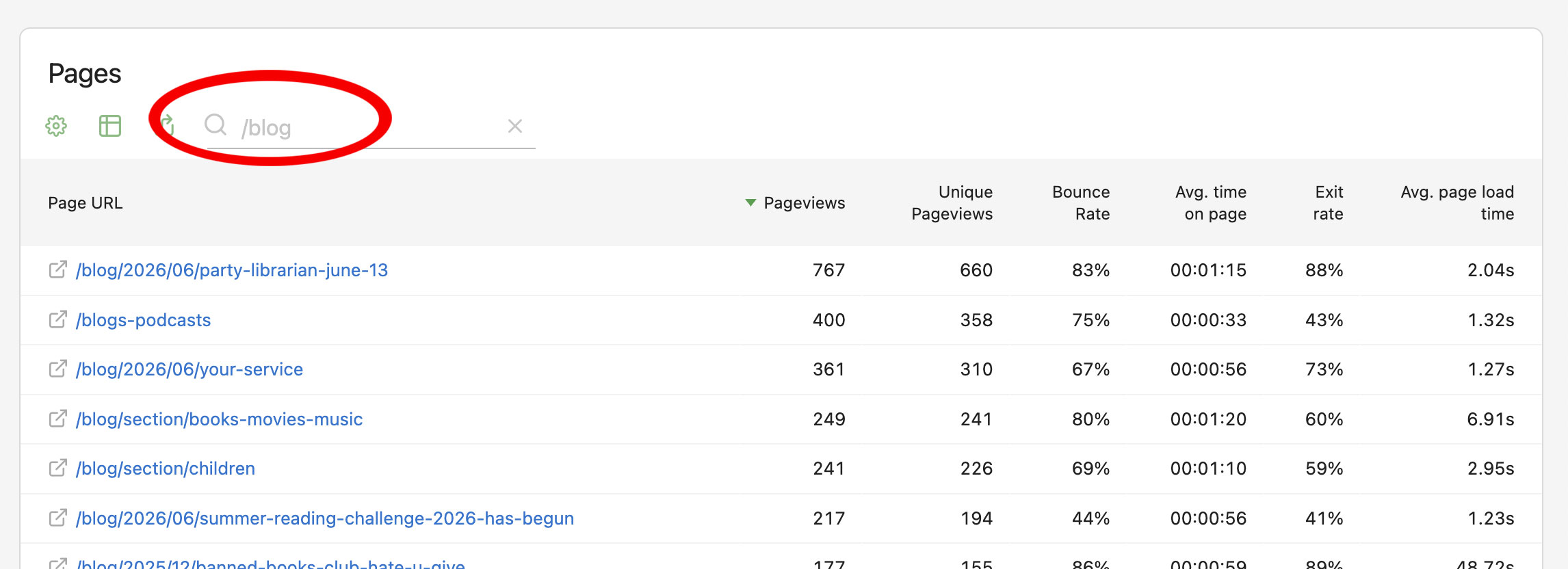
In the search box, type /blog to filter the list.
-
Look at the list to find the top posts for your time period.