Accessible Images
Add Alt Text
- Alt Text is a brief description of the image.
- Alt Text is read aloud by screen readers used by visually impaired users.
- Helps people with low or impaired vision understand the entire web page.
- Provides context to search engines and robotic scans.
- Alt Text is required on government-owned websites by federal Americans with Disabilities Act (ADA) guidelines.
Write Good Alt Text
- Good Alt Text is copmplete and concise.
- Ask, "What would someone lose if this image didn't load?" Answer what image conveys, as well as what is present.
- Limit to 125 characters.
- Focus on what the image conveys to the user, rather than listing attributes.
- Include any words that are in the image, such as text on the cover of a book.
- Skip redundant phrases, "image of" or "picture of."
- Include any text present in the image.

-
 The Alt Text for this image is “golden retriever puppy plays with a red ball on grass in the evening.”
 -
 A bad examples of alt text would be “Dog.” “Picture of a cute dog.” or "Roger hops."
Color and Contrast
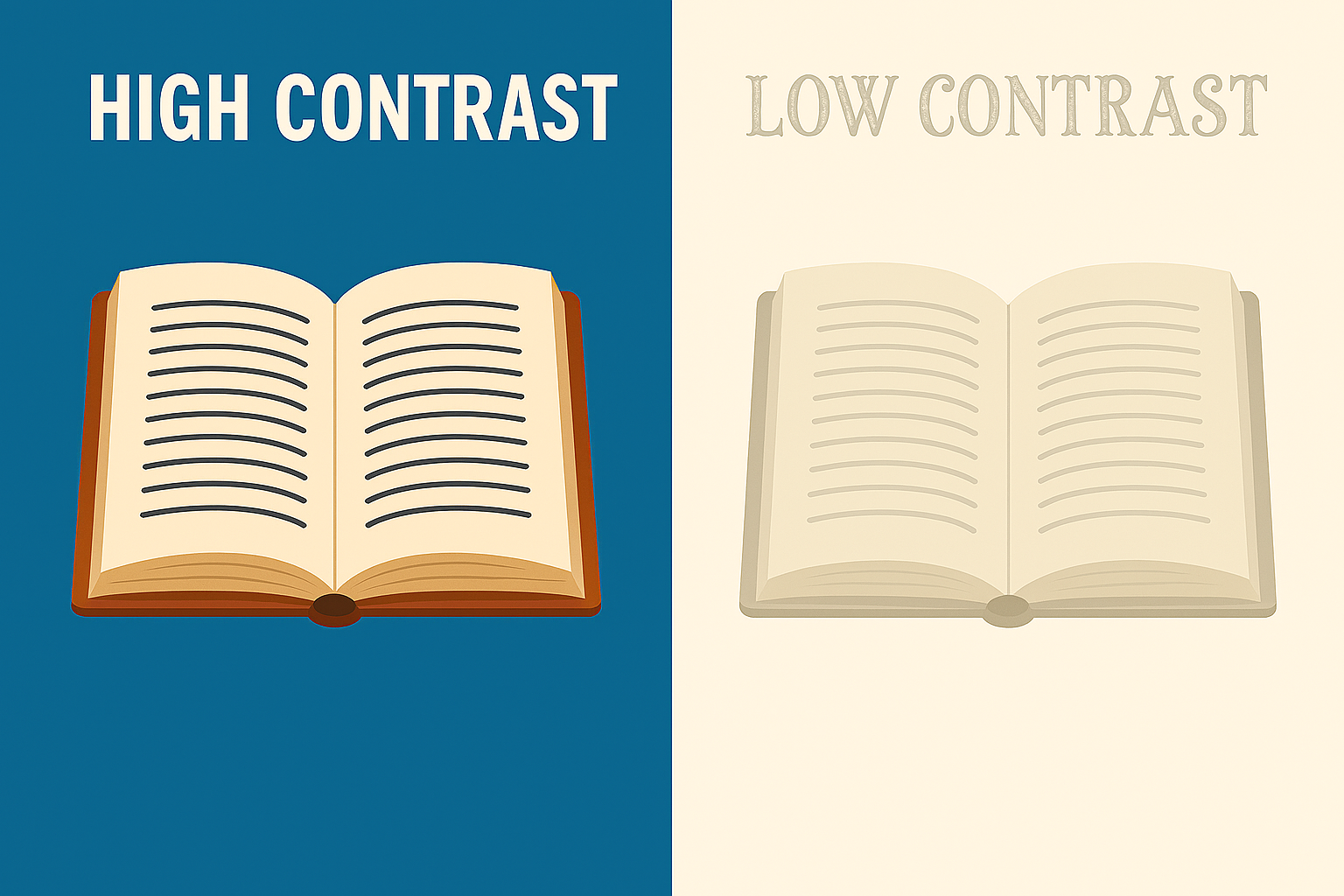
Make sure image has enough color contrast between text and its background to be easily readable. When using text over images, add a solid background behind the text, or a dark overlay. Beware of color blindness combinations and elaborate fonts and busy visuals that can reduce visibility.
Text in Images
Words in icon-type images (“Movie Friday” or “Chocolate Worms”) should be readable at thumbnail-size, which is 80px wide.